
9.6 The AD picker
- In the drawer, with AD group / user / e-mail selected, click + Add AD group / user / e-mail.
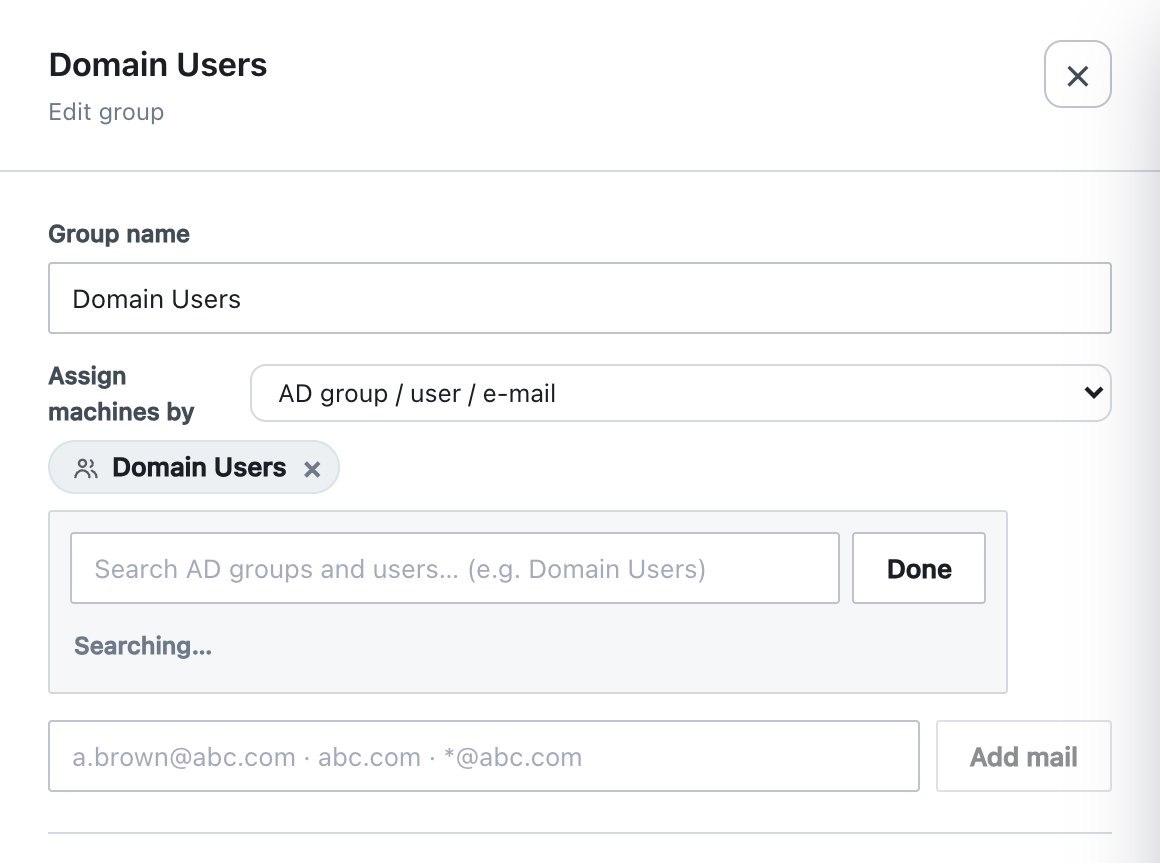
- Type in the search box (Search AD groups and users… (e.g. Domain Users)). The search runs 0.3 seconds after you stop typing, across groups, users and computers in every configured domain, and returns up to 25 results.
- Click a result to add it. Each result shows the type icon, name, account name and domain. Items already added show ✓ added and cannot be added again.
- Click Done to close the search.
| Message | Meaning |
|---|---|
| Searching… | The search is running. |
| No matches. | The directory answered and nothing matched. |
| Directory search failed — … or Directory search failed: … | The directory could not be searched: not enabled, unreachable, wrong credentials, certificate problem or expired console session. The reason follows the dash or colon. |
Groups, users and computers are stored with their SID (computers by name). Mail entries are added separately with Add mail, because they are not directory objects.