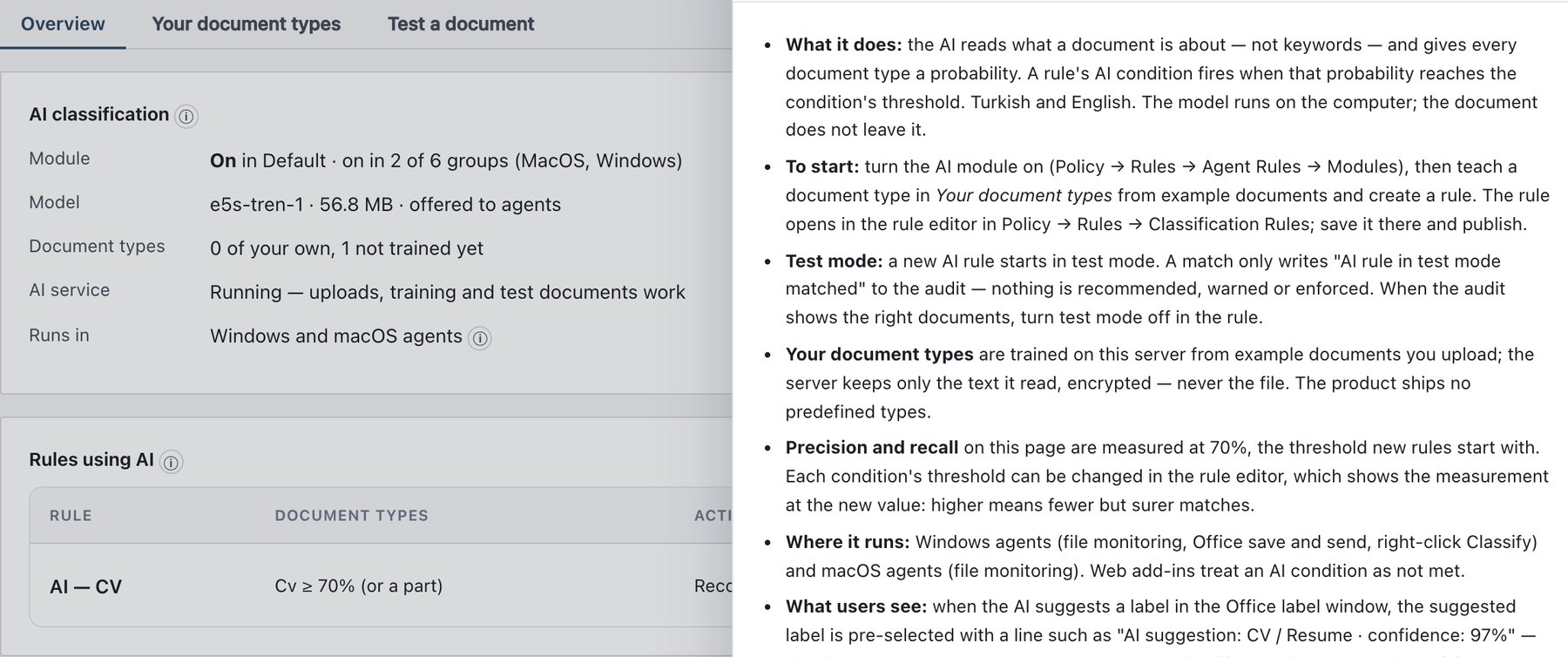
11.3 The AI Classification page
The page has a collapsible help box (How does AI classification work?) and three sub-tabs:
| Sub-tab | What it is for |
|---|---|
| Overview | Module, model, document type and AI service status; the list of every rule that uses AI. |
| Your document types | Create types, choose their suggested label, upload examples and counter-examples, train, and create rules from trained types. |
| Test a document | Score one file against your trained types without storing it. |
Permissions. Users with the administrator role can create types, upload, train and test. Read-only (auditor) users see all three sub-tabs, but without upload, train, delete or label controls; rule rows show View instead of Edit.