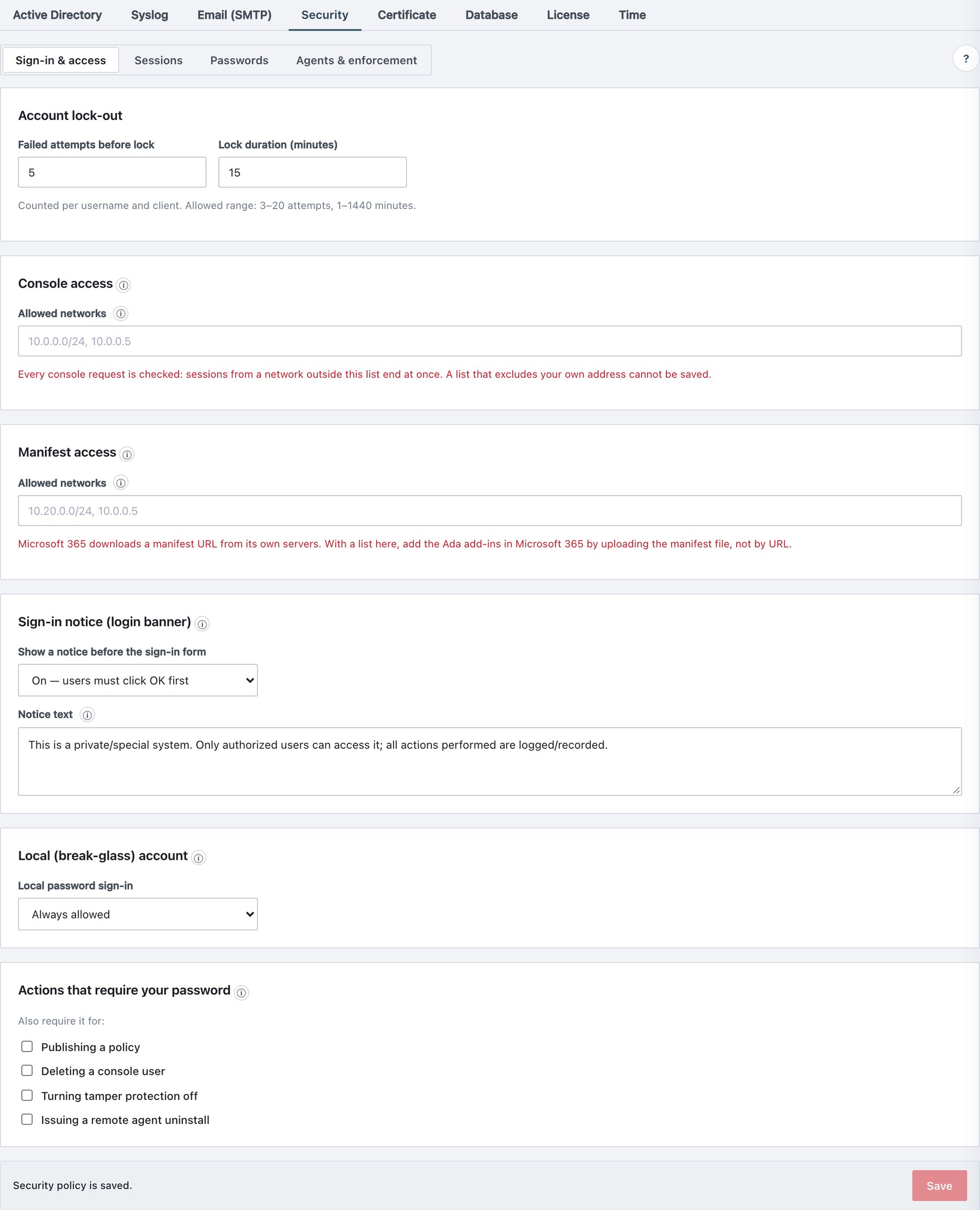
12.4 Manifest access (IP allow-list)
Administration → Settings → Security → Sign-in & access →
Manifest access restricts which networks may download
manifest-*.xml from the client address (port 443).
| Field | What it does | Default / allowed values |
|---|---|---|
| Allowed networks | Networks allowed to download the manifests. Every client-setup network must be in the list (Windows and Mac setup download the manifests), and so must Microsoft 365 when an add-in is added by URL. | Empty = no restriction. Comma-separated plain IPv4, IPv4 CIDR
(/0–/32), or plain IPv6 (exact match). Invalid
entries are rejected before saving. |
Behaviour: - The Ada task pane itself is not restricted. Office loads it from wherever users are. - Ada’s own server always has access (catalog push and installer builds fetch manifests internally). - A blocked download gets a generic error page and is audited once per address per day. - Saving the security policy always asks for your password.