
7.4 Your account
The user menu at the bottom of the sidebar shows your initial, user name and role, with Account settings, Dark theme / Light theme and Log Out. The theme choice is stored in your browser.
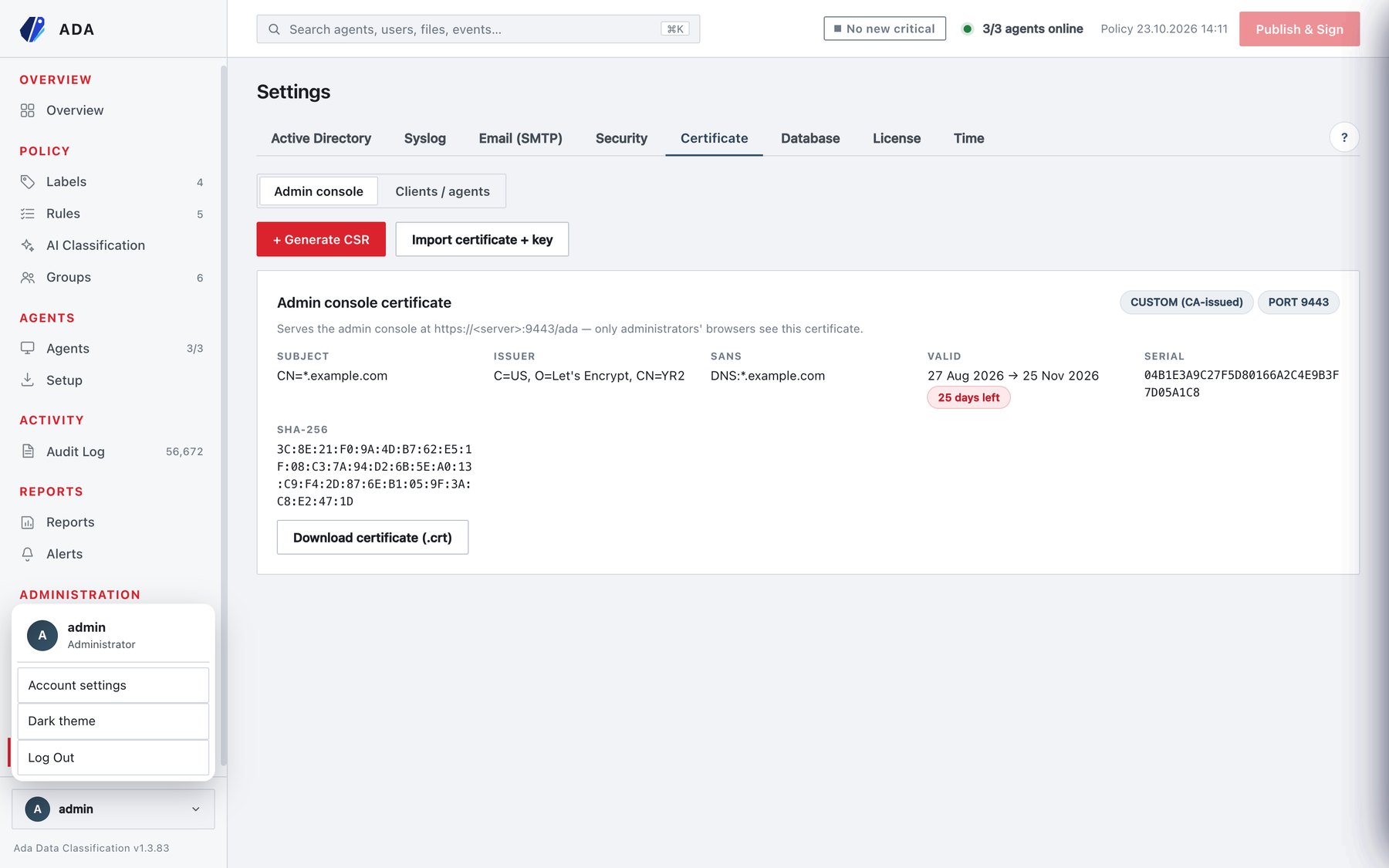
Account settings opens the Account page.
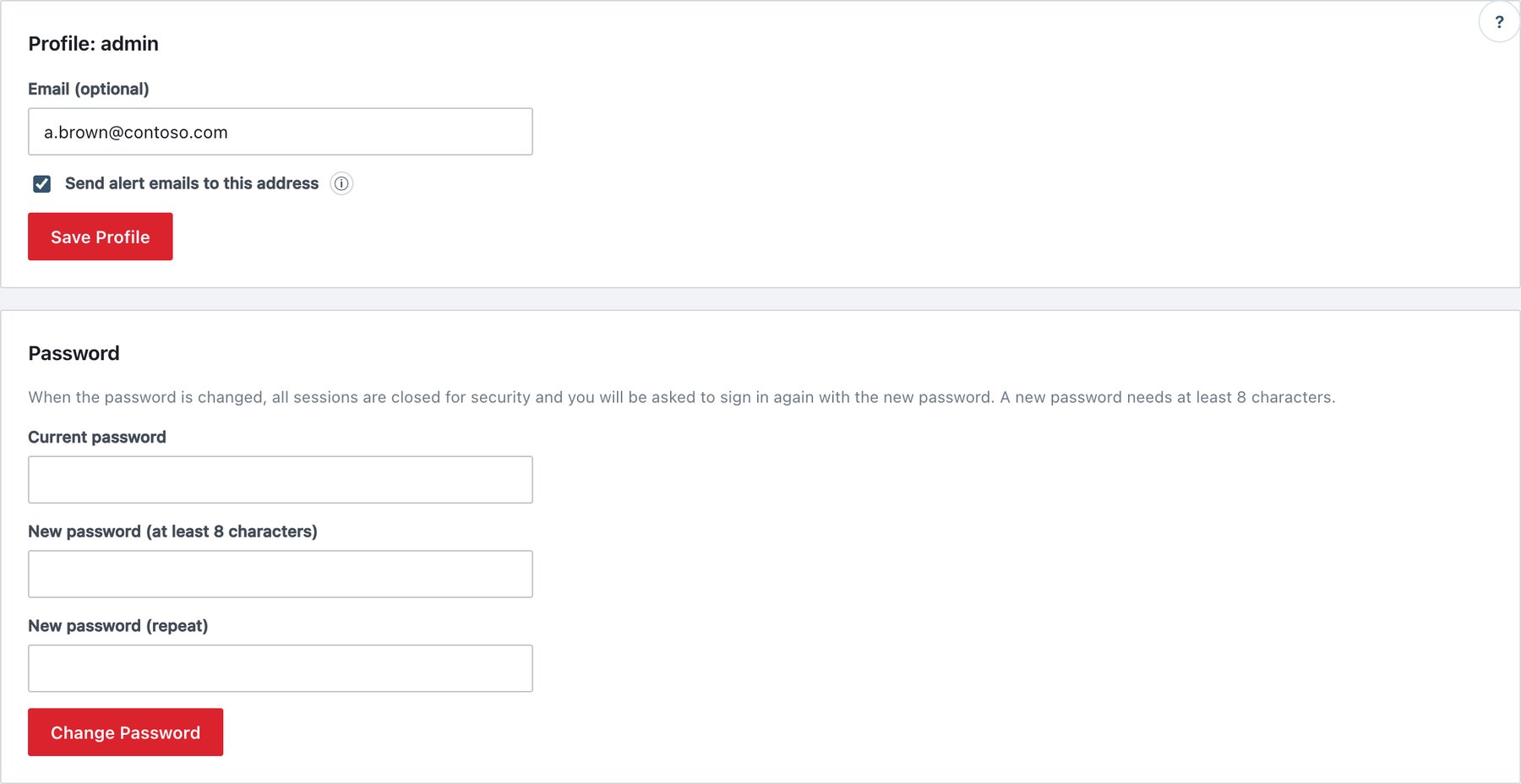
Profile
Profile: <user name>
| Field | What it does | Rules |
|---|---|---|
| Email (optional) | Your address for reset links and, if ticked, alerts. | Valid address or empty. |
| Send alert emails to this address | Adds you to alert e-mails. | Only an administrator can turn it on; anyone can turn it off. For a non-administrator the box is disabled unless already on. |
Click Save Profile. If you are not an administrator and change your address while alerts are on, the alerts are turned off (…only an administrator can turn them on again.); an administrator must subscribe the new address. This prevents a read-only account from redirecting alert content.
AD users see instead: This account is managed in Active Directory — the email address for alerts comes from the AD mail field.
Password (local accounts)
- Enter Current password, New password (at least N characters) and New password (repeat). The card states the active minimum length and character rules from Settings → Security.
- Click Change Password.
- All your sessions, on every browser, are closed. Sign in again with the new password.
The full policy (section 6.8) is checked by the server, including history and the common-password check. A wrong current password returns Current password is incorrect.; five wrong attempts within 15 minutes block further attempts for 15 minutes.
AD users see Directory accounts change their password in the domain (Active Directory), not here.
Forced password change
The console opens only the New password for <user> screen, and every other page is refused, in two cases:
- after signing in with the generated initial administrator password;
- when a local password is older than Maximum age (section 6.8). The screen explains that the password has expired; enter it once more as the current password and choose a new one.
Setup and reset links never force a second change: the password is chosen on the link page itself.